An assistant that actually runs the busywork.
Most software adds a chatbot and calls it AI. CrewOS gives you an assistant wired into your real operation: one that drafts the quote, moves the appointment, and chases the invoice, with you deciding exactly what it’s allowed to touch. It works inside your data, on your rules, with a record of everything it does.
Workbench
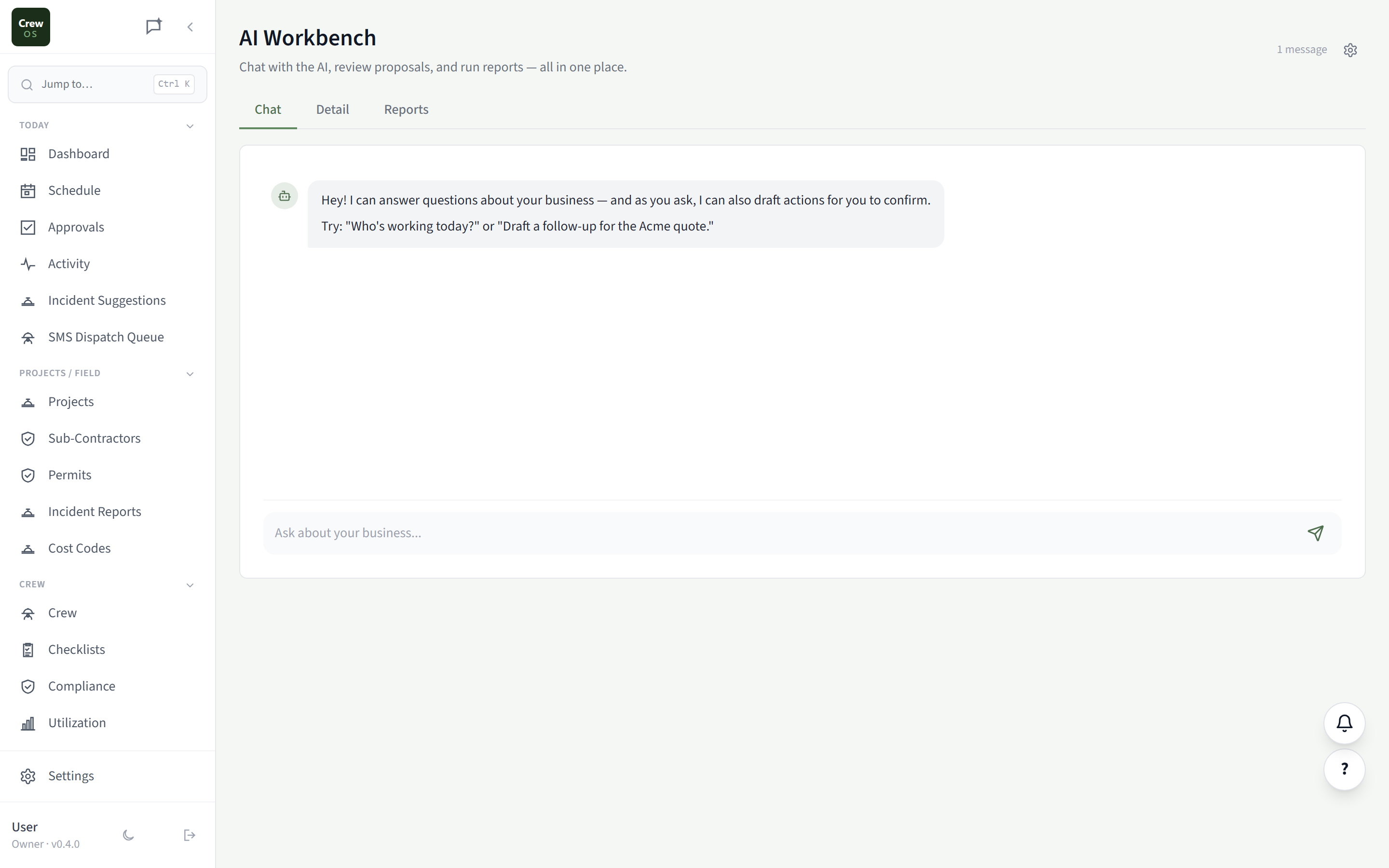
Ask in plain language. Watch it do the work.
Draft a follow-up, summarize a job, pull a list of overdue invoices, reschedule a crew. You ask, and the assistant proposes the action against your live data. You review and approve before anything happens, so it’s a power tool, not a loose cannon.
Usage
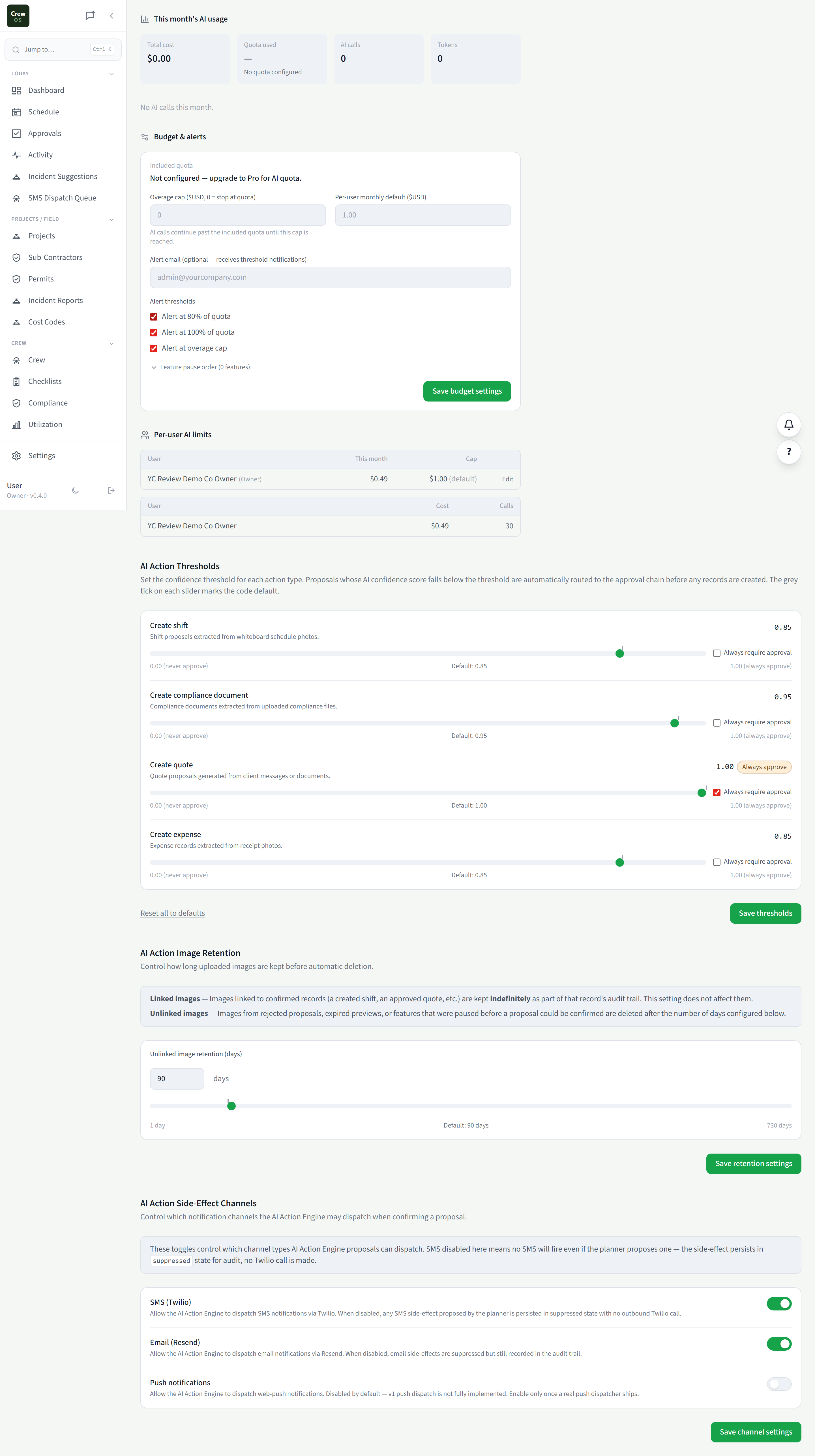
See exactly what the assistant is costing you.
Track AI usage and spend over time: what ran, when, and how much it consumed. No surprise bills and no black box: you get a clear meter on the assistant the same way you’d track any other line on the business.
Scheduling
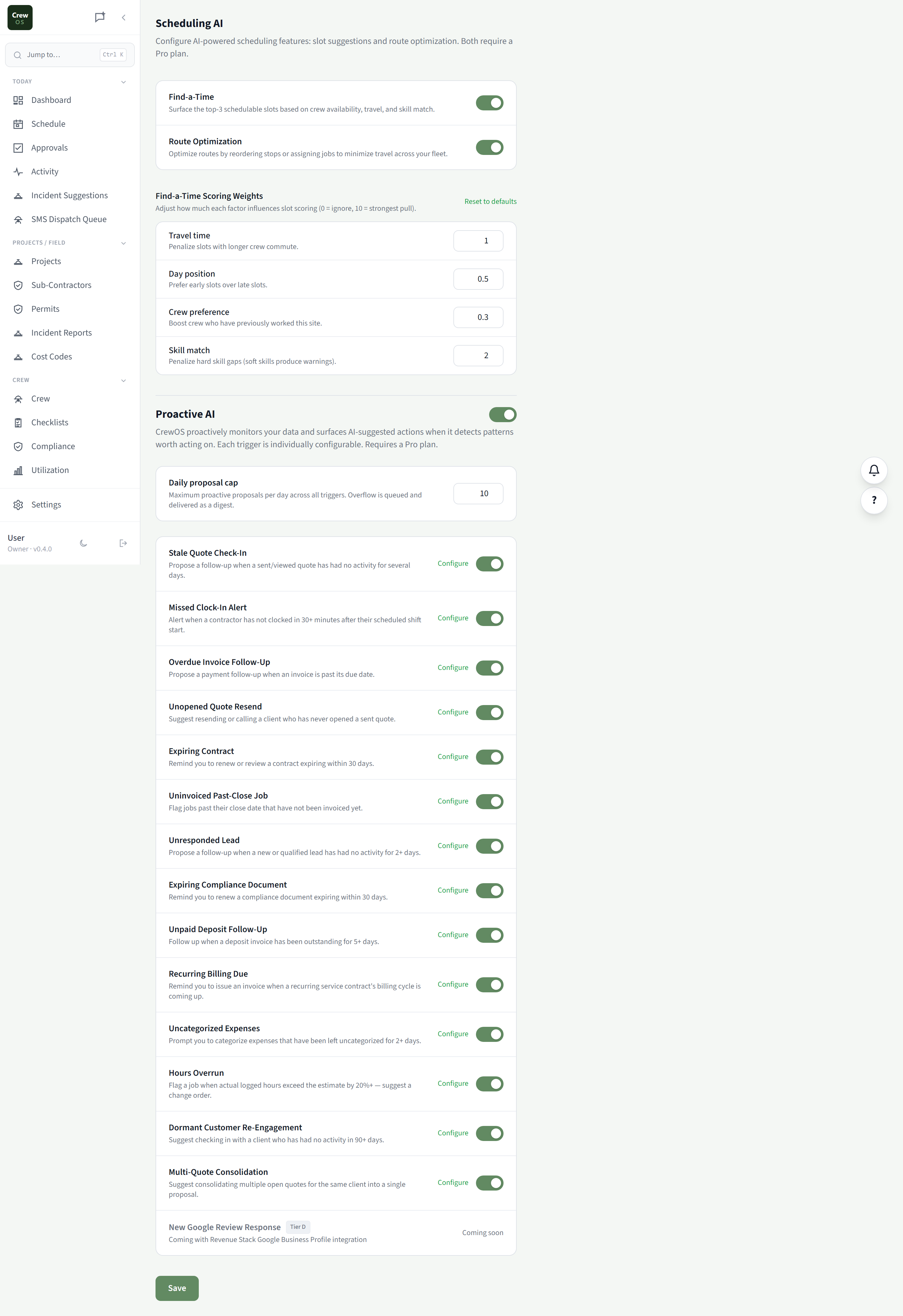
Let AI fit the day together for you.
The assistant looks at your jobs, crews, drive times, and capacity rules and proposes a schedule that actually works. You stay in control of the final call. It just does the tedious tetris of getting the right people to the right sites.
Capabilities
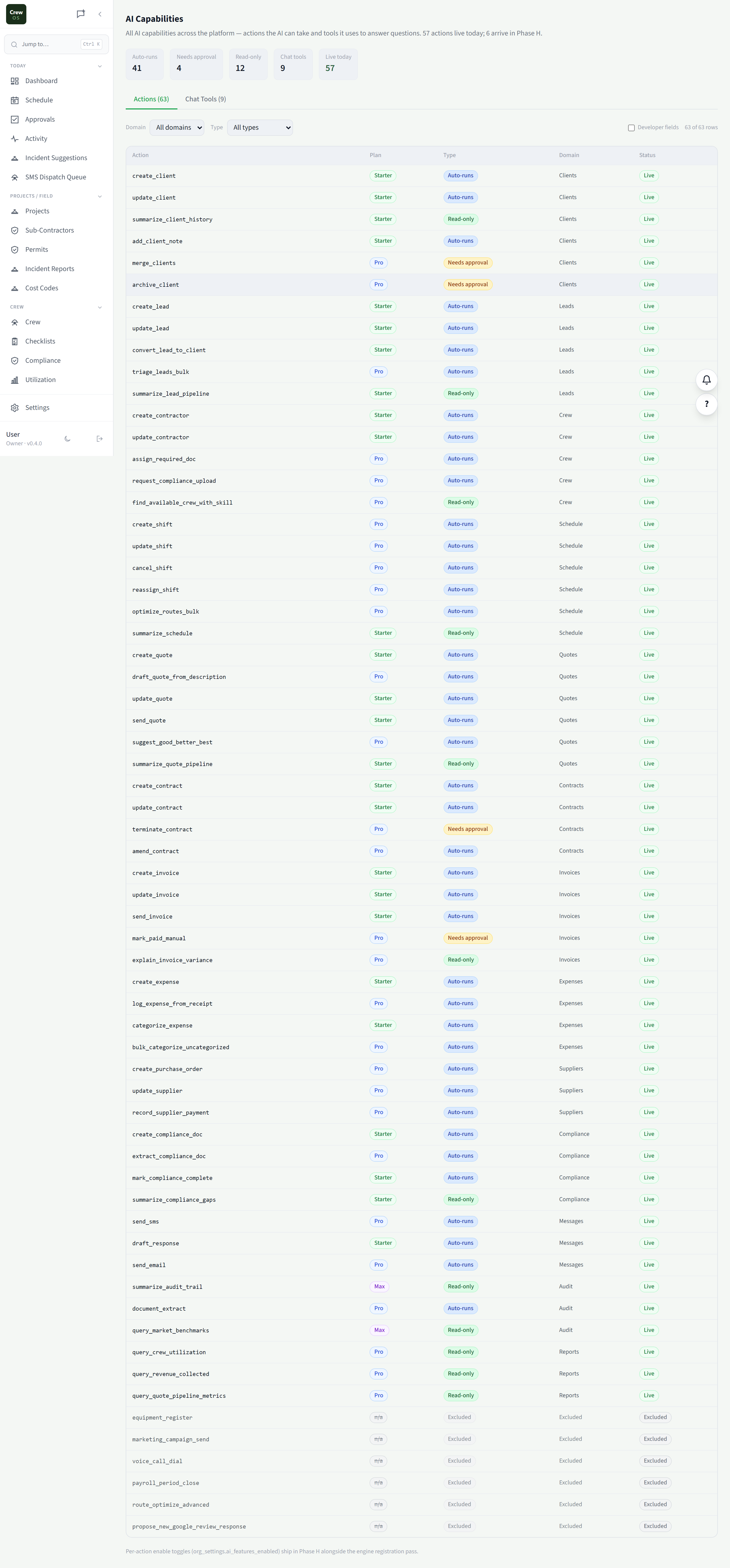
Decide exactly what the assistant can do.
CrewOS keeps a registry of every action the AI can take: drafting, sending, scheduling, editing. Switch each one on, require approval for it, or turn it off entirely. Hand it more rope as you trust it, and keep a full record of what it touched.
Run your crew like you've got it together. Because now you do.
Set up your first site in an afternoon. Free to start, no card required.