The whole relationship, not just the job.
A client is more than a work order. It’s every conversation, every agreement, and every thing you’ve ever sold them. CrewOS keeps all of it in one place: who they are, what you’ve discussed, what they’ve signed, and the menu of work you offer. So whoever picks up the phone has the full picture.
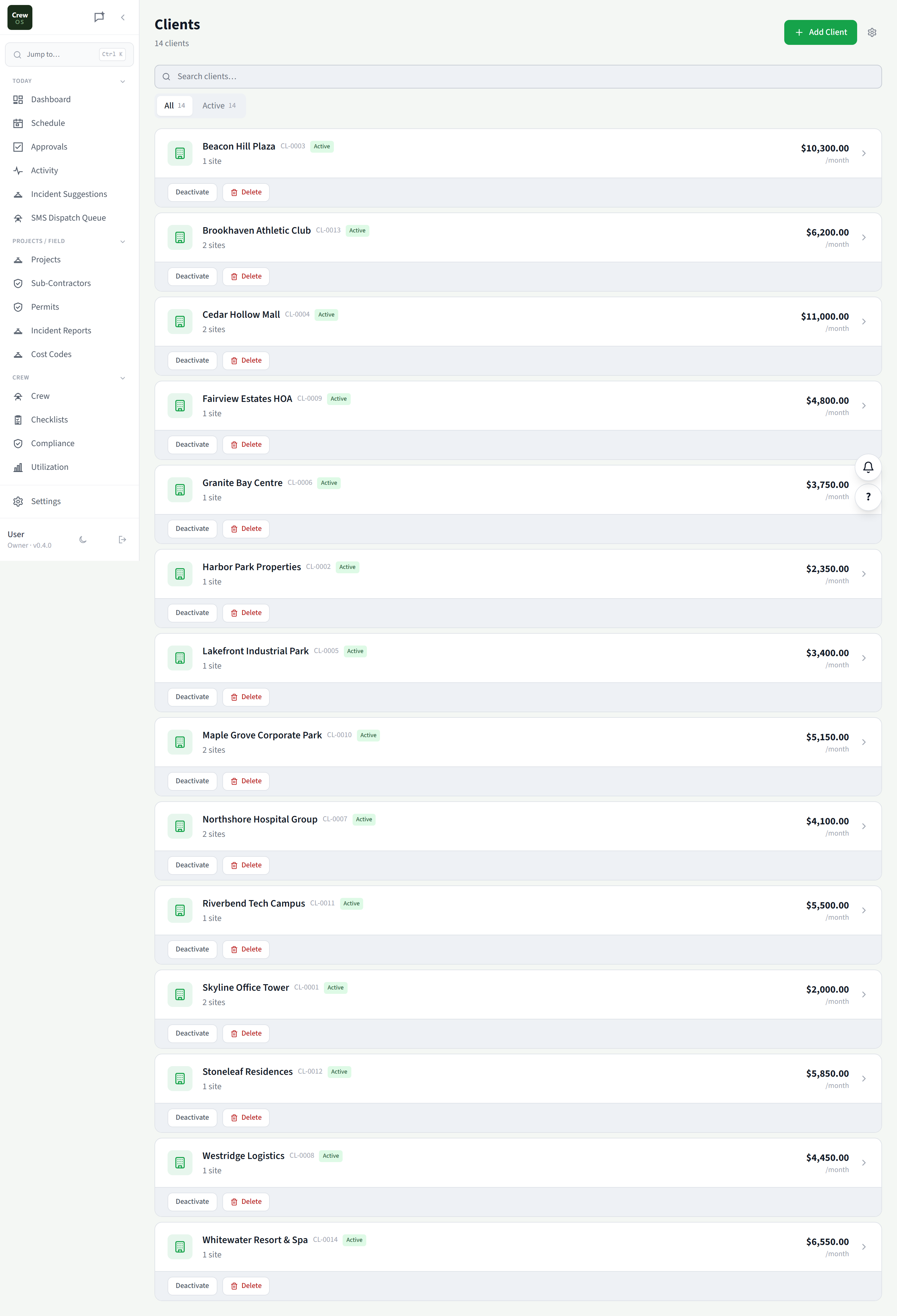
Clients
Every client, with their whole history attached.
One client record holds it all: properties, contacts, past jobs, open quotes, lifetime value, and outstanding balance. No more digging through email to remember what you did for them last spring or what they still owe.
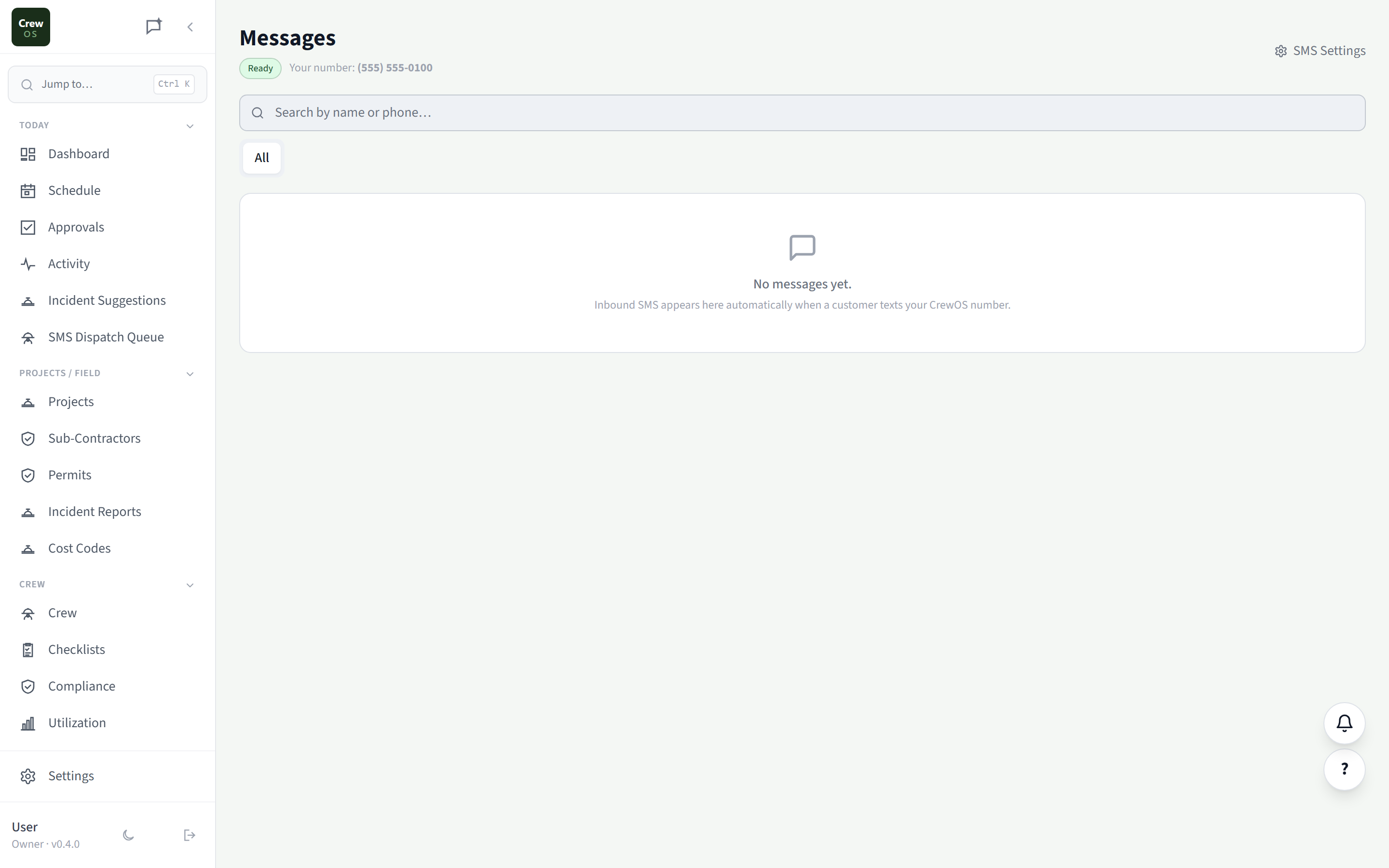
Messages
Texts and emails with clients, in one thread.
Two-way messaging that keeps every client conversation in one inbox tied to their record, not split across someone’s personal phone. The whole team can see what was promised, and nothing gets lost when a job changes hands.
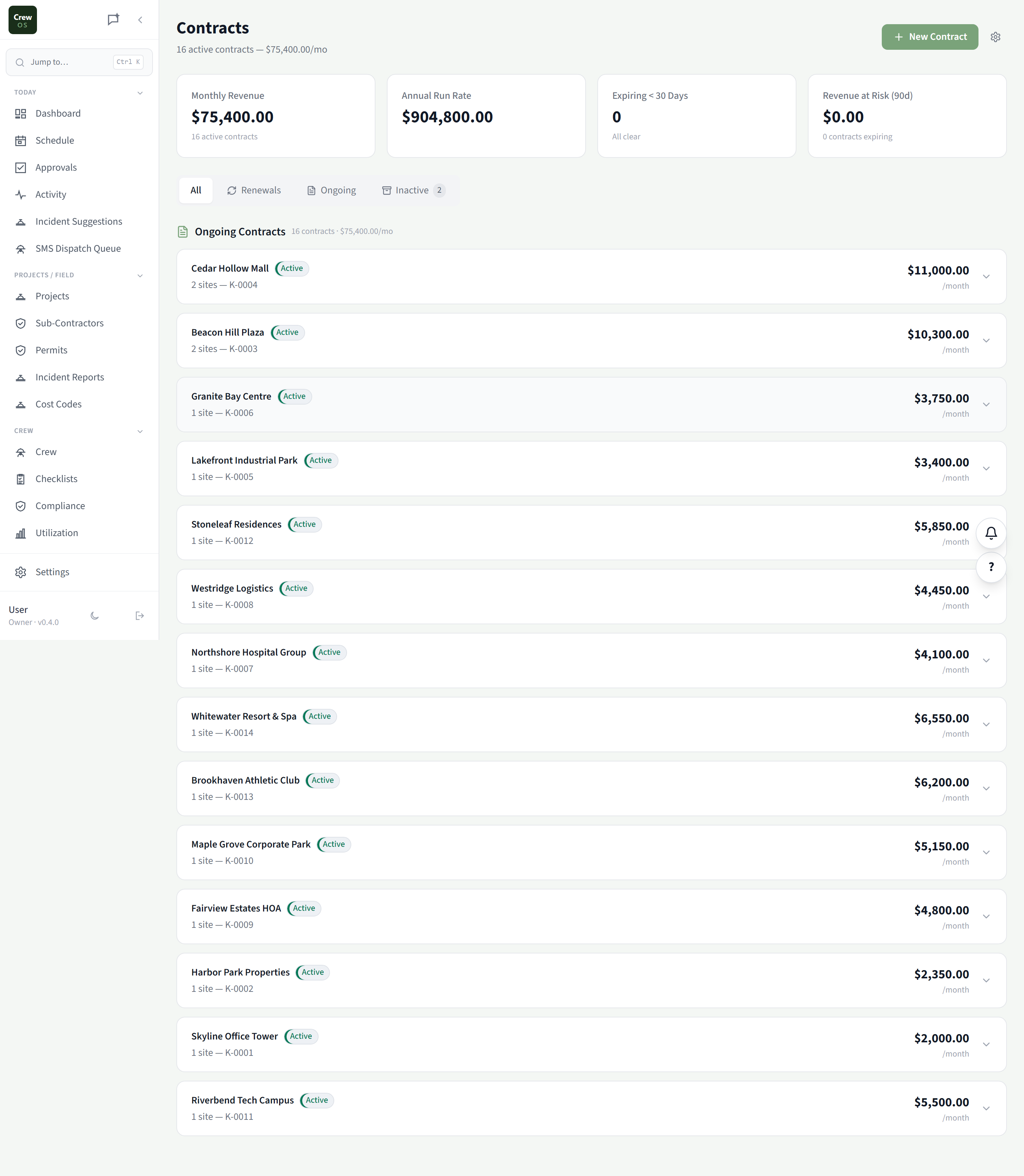
Contracts
Send an agreement, get it signed, store it for good.
Turn a quote into a contract, send it for e-signature, and keep the signed copy attached to the client and the job. Change orders and amendments are versioned, so the agreement everyone’s working from is always the current one.
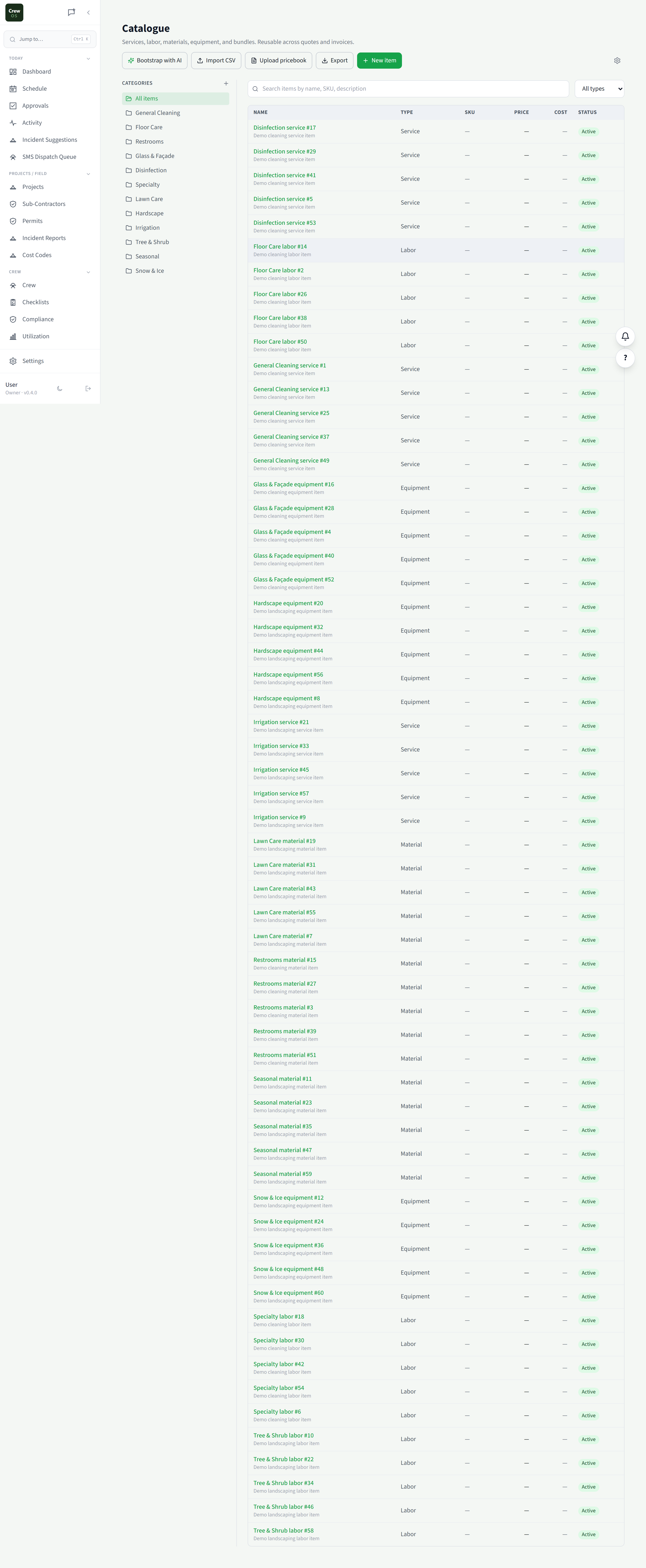
Catalogue
Your services and prices, ready to drop into a quote.
A reusable menu of everything you sell: line items, rates, and descriptions. Build quotes and invoices by picking from the catalogue instead of retyping, so pricing stays consistent no matter who’s writing the estimate.
Settings · Clients
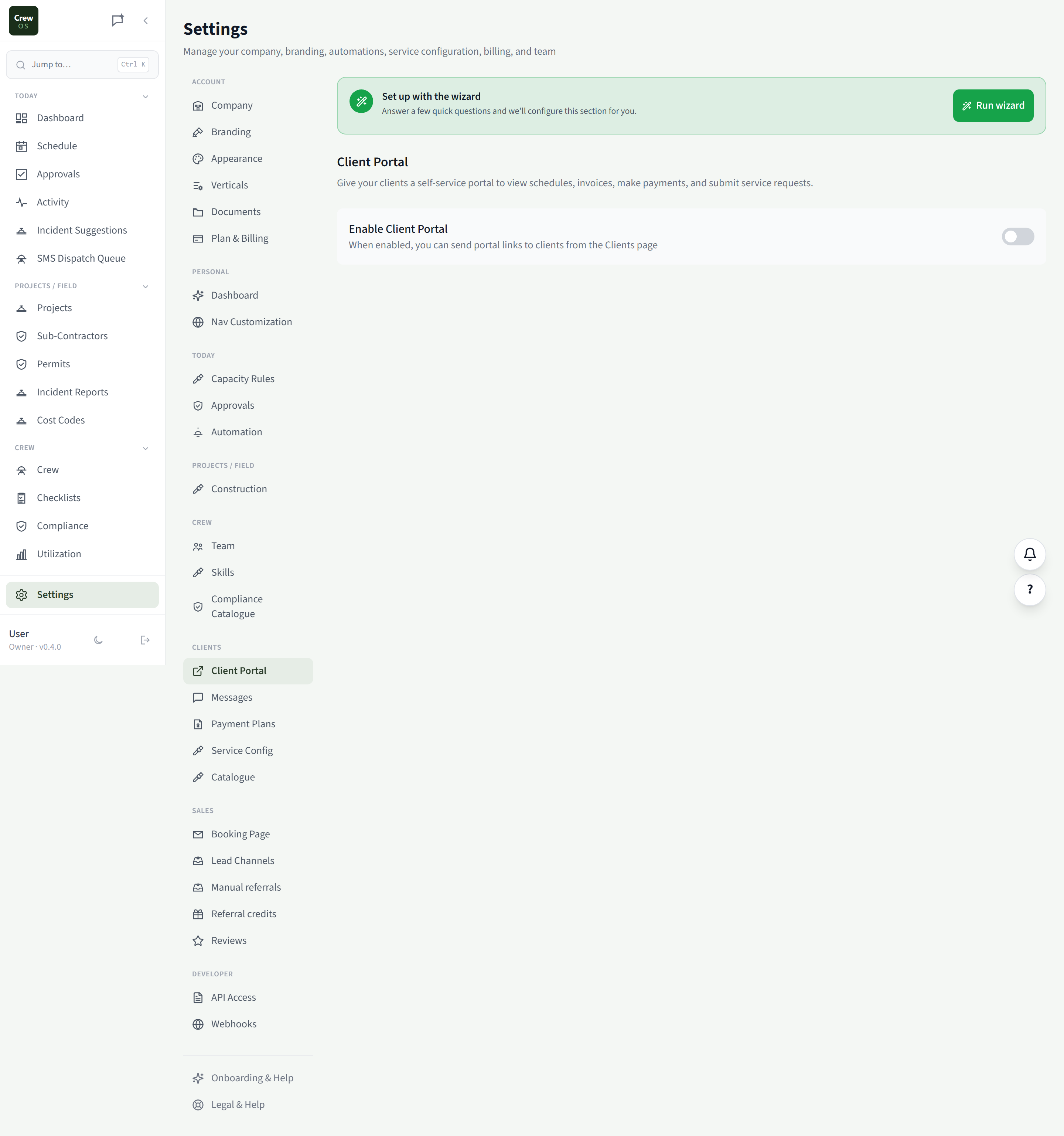
Client Portal
Give clients a branded place to self-serve.
Control what clients see and do in their portal: view quotes, approve work, pay invoices, check job status. Style it with your logo and colors so it feels like your business, then let it cut the back-and-forth.
Settings · Clients
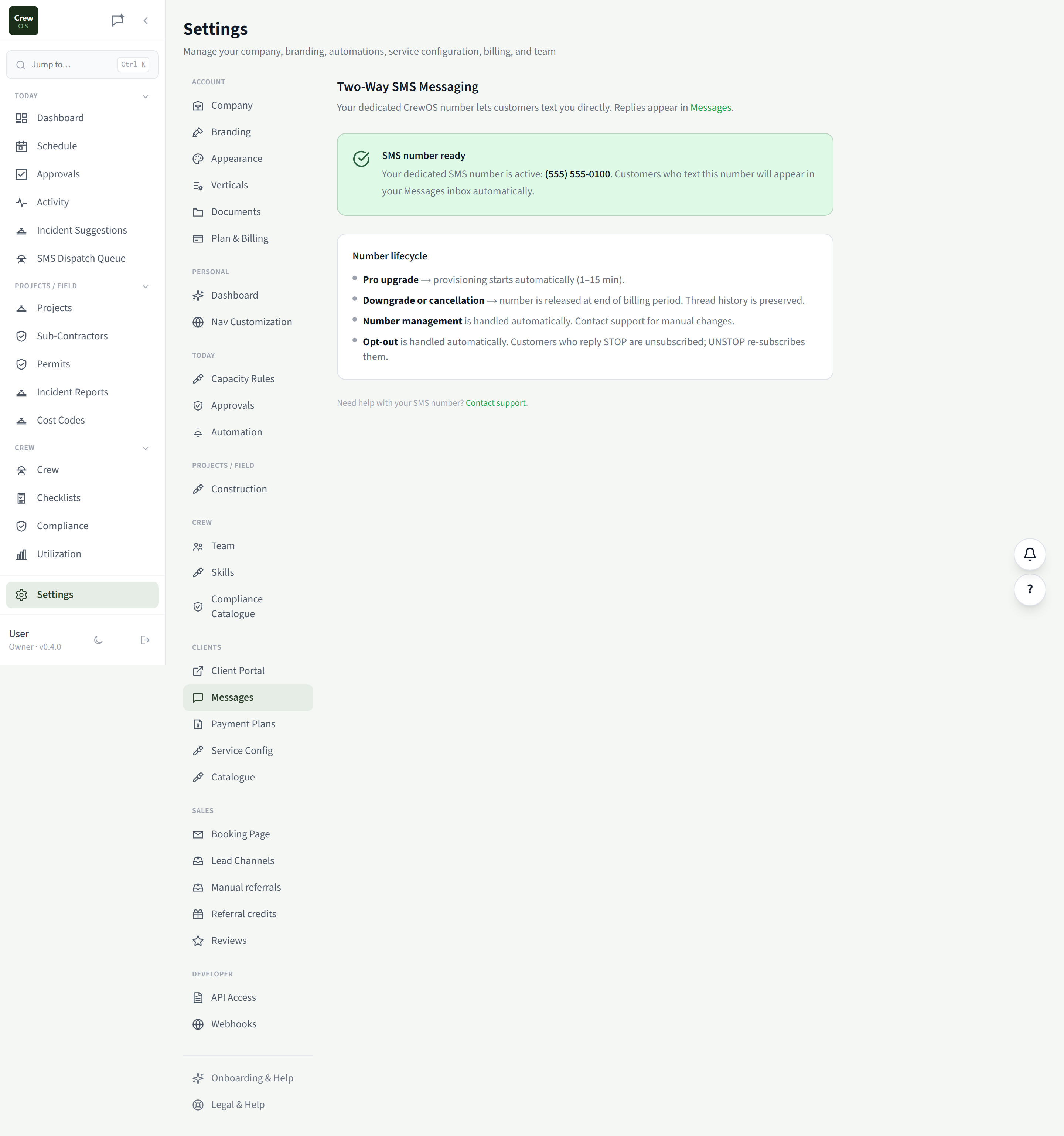
Messages
Set up how messages send and who they come from.
Configure your sending number and email, set business hours and auto-replies, and define the default templates your team reaches for. Get the plumbing right once so every conversation goes out clean.
Settings · Clients
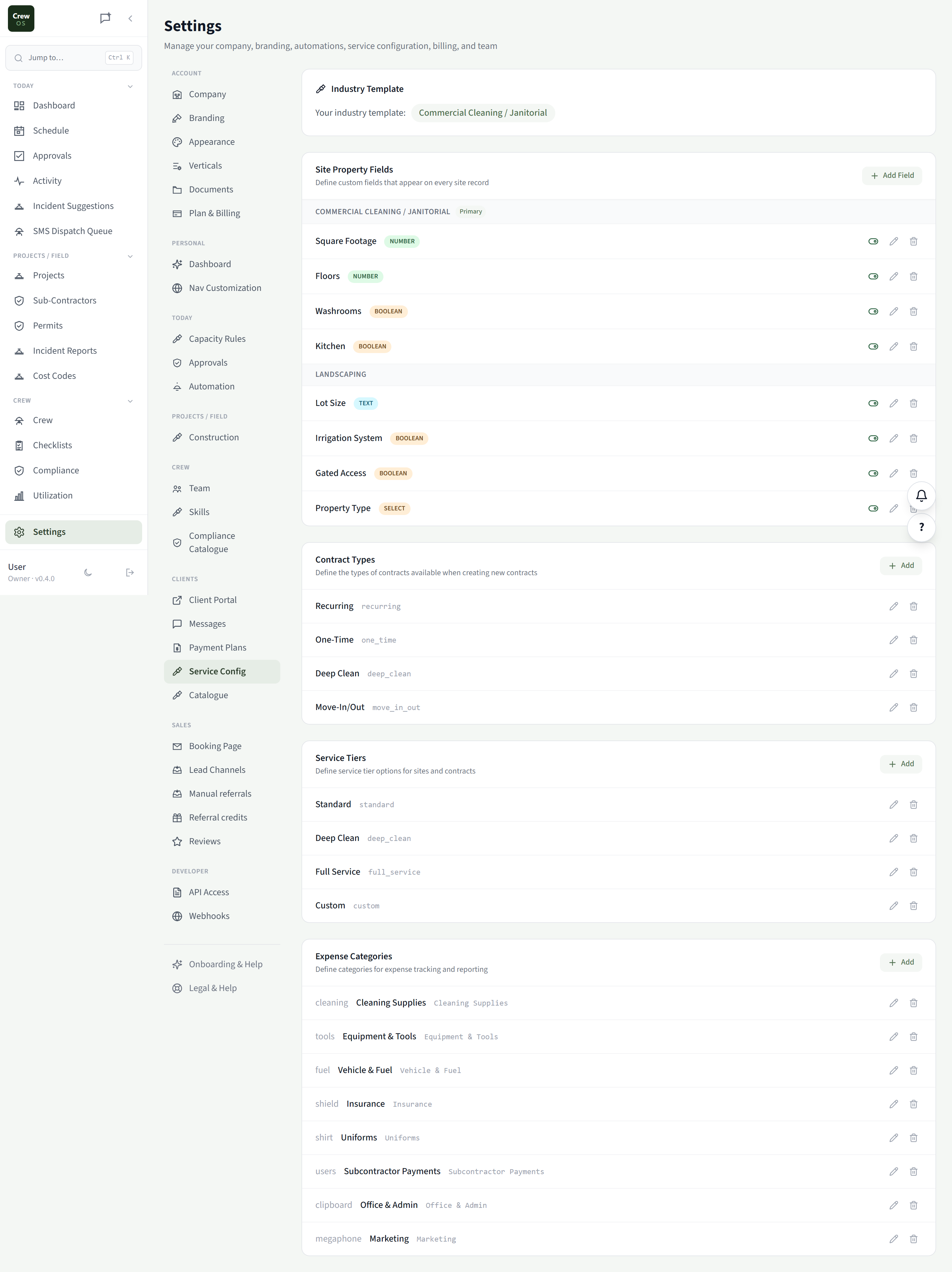
Service Config
Define the work you do and how it’s priced.
Set up your service types, durations, and pricing rules so quotes, scheduling, and the booking page all speak the same language. The backbone that keeps estimating and dispatch consistent across the whole team.
Settings · Clients
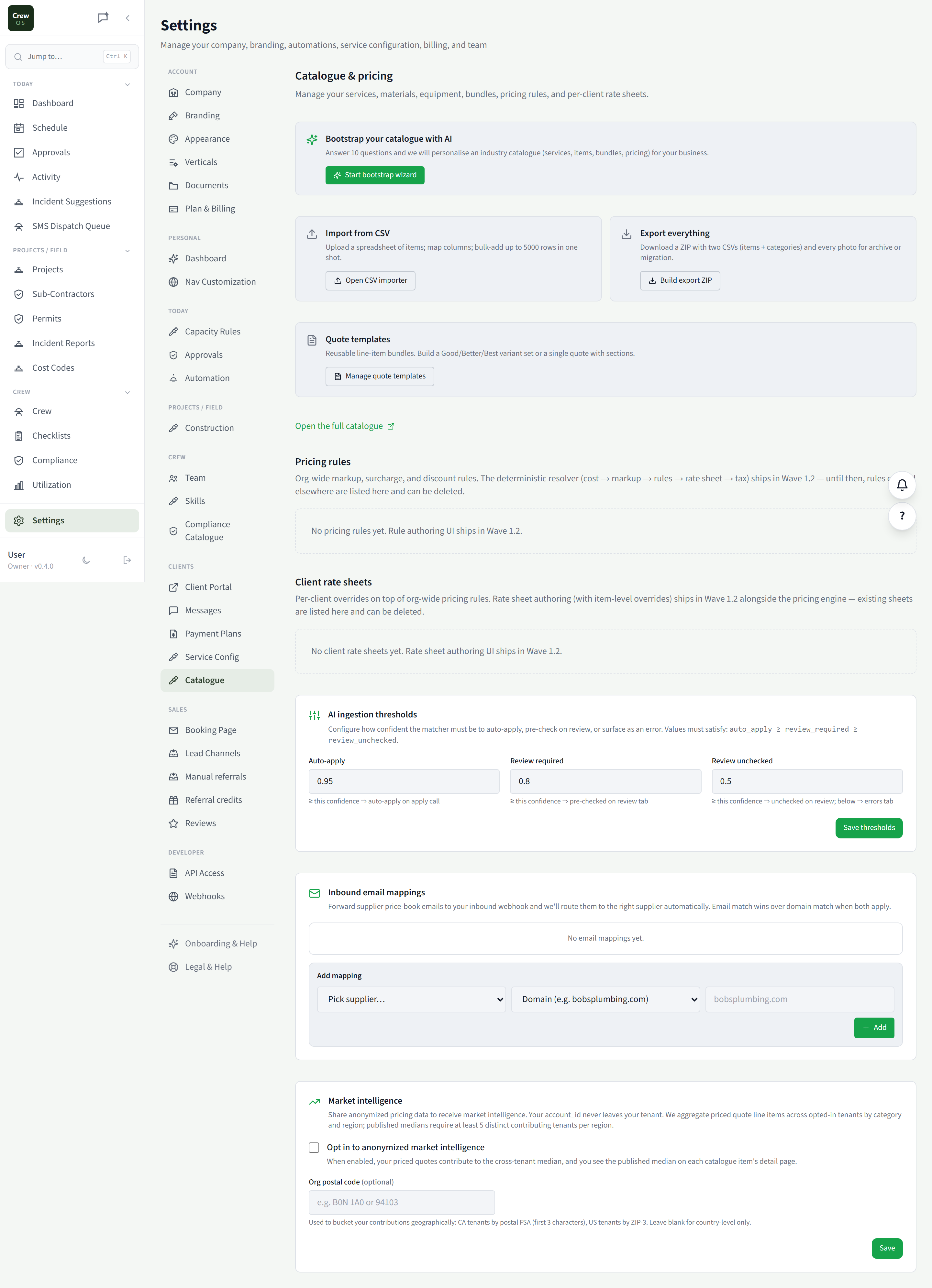
Catalogue
Manage the price book behind every quote.
Add, edit, and organize the line items in your catalogue: group them, set default rates, and retire what you no longer sell. Update a price once here and every new quote picks it up.
Run your crew like you've got it together. Because now you do.
Set up your first site in an afternoon. Free to start, no card required.