Run the whole job site from one place.
Spreadsheets and group chats fall apart on a construction site. CrewOS gives general contractors and field crews a real operations layer (projects, permits, subs, safety, and job costing) on top of the scheduling and compliance engine that runs your whole business.
The billing and paperwork a general contractor actually runs on.
Turn on the General Contracting vertical and every project gets the construction pack. No add-on, no higher tier.
- Schedule of values. Break the contract into lines, with a retainage percentage on each one.
- Draws and pay applications. Bill progress against the schedule of values, with earned-less-retainage worked out for you.
- Change orders. Draft, price and send a change order for signature through its own signing link, then apply it to the contract.
- Lien waivers. Create the waiver and share its signing link with the party who signs it.
- T&M tickets. Log time and materials in the field and roll the approved tickets into an invoice.
- RFIs and submittals. Track every question and every submittal against the project, with its status.
- Daily logs and punch lists. Record the day on site and work the punch list down to close-out.
- Meeting minutes. Keep the minutes with the project they belong to.
- Permits and inspections. Schedule inspections, record each result, and clear the final sign-off before a permit closes.
- WIP. Work in progress for each project, and across every open project in one view.
Needs the General Contracting vertical (Settings, Verticals). Schedules of values, pay applications and change orders are built on a contract, and contracts start on the Starter plan. Owners and operators use the pack.
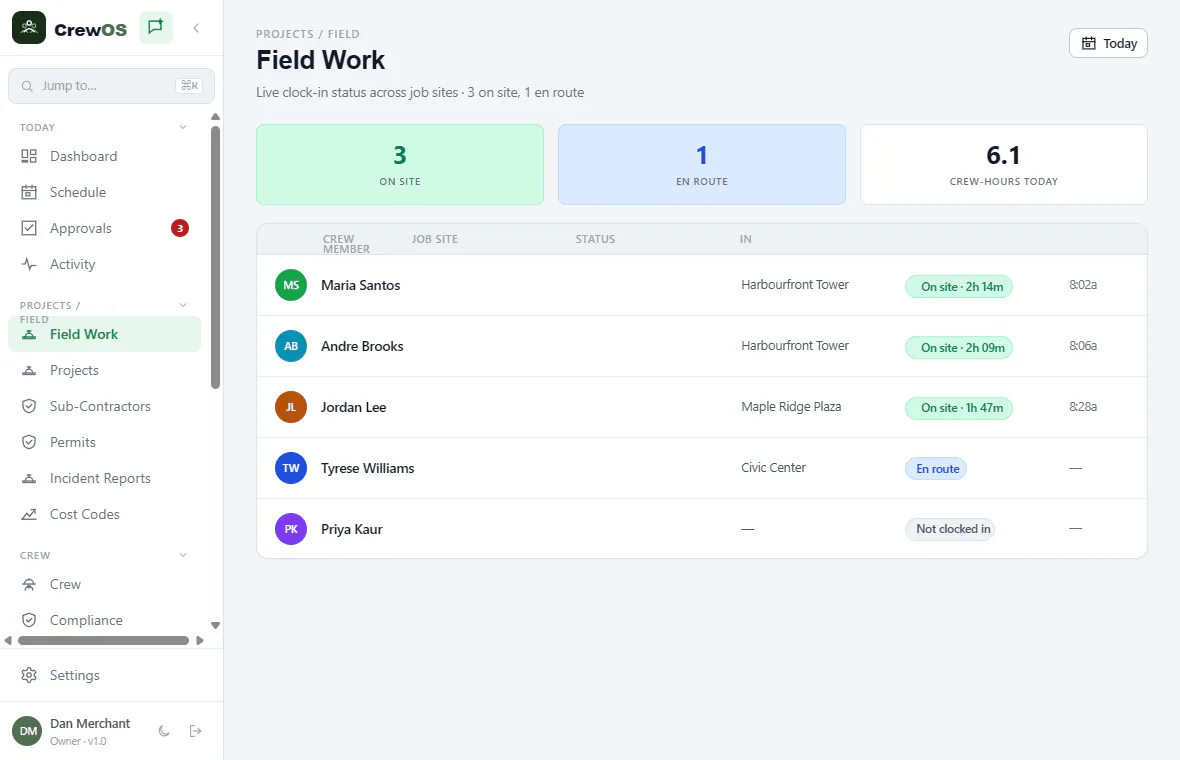
Field Work
See who’s on the clock, and where, in real time.
Field Work is your live board for the day. Watch crew clock in and out across every job site, see who’s on site versus en route, and track crew-hours as they accrue. Clock-in is location-verified and gated by compliance, so nobody starts work without the certs the site requires.
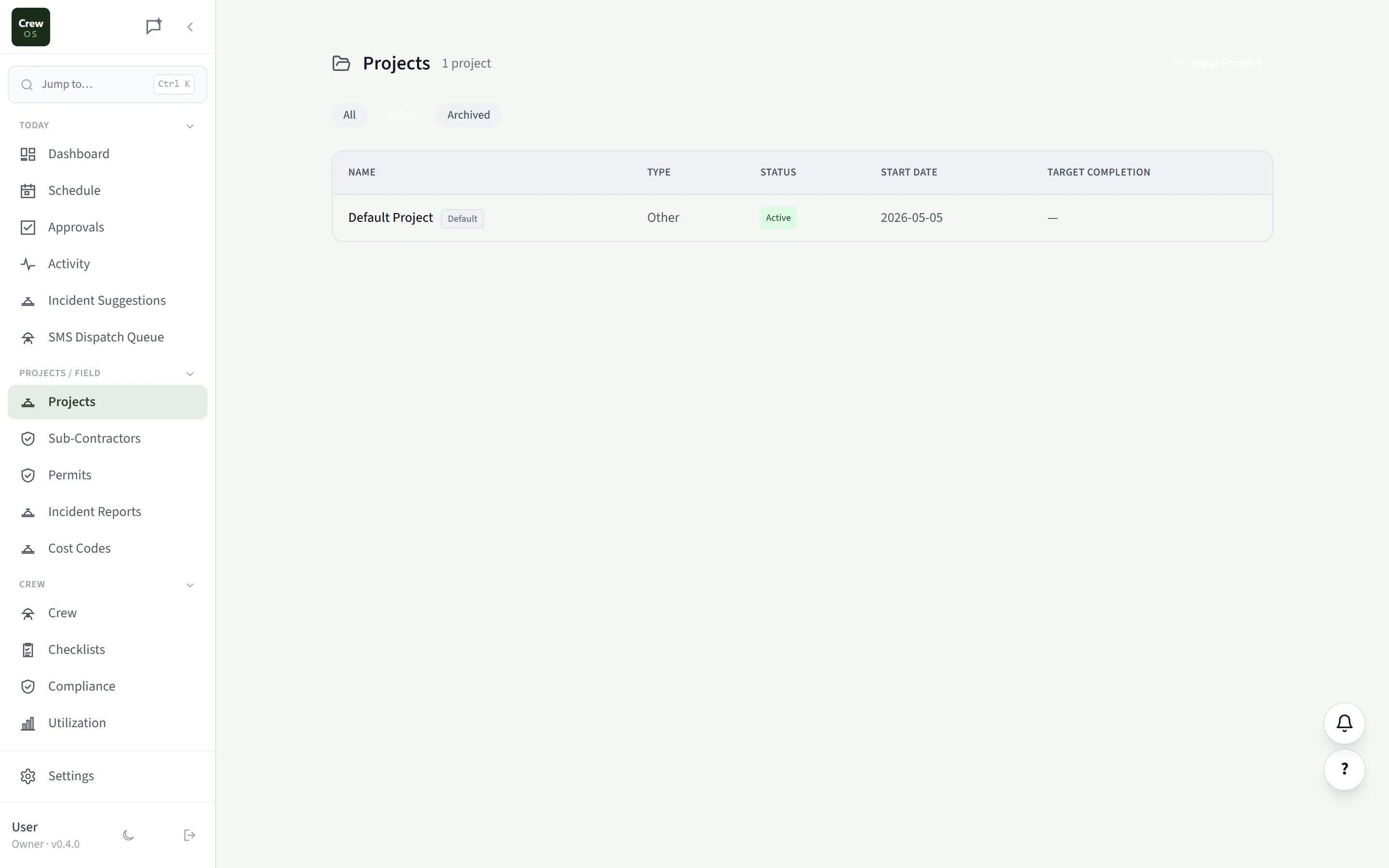
Projects
Every job site, organized end to end.
Each project carries its phases, budget, and contract value up top, with a full set of construction workflows underneath: WIP billing, RFIs, daily logs, submittals, punch lists, meeting minutes, permits, and incidents. It’s the single place a GC runs a job from mobilization to closeout.
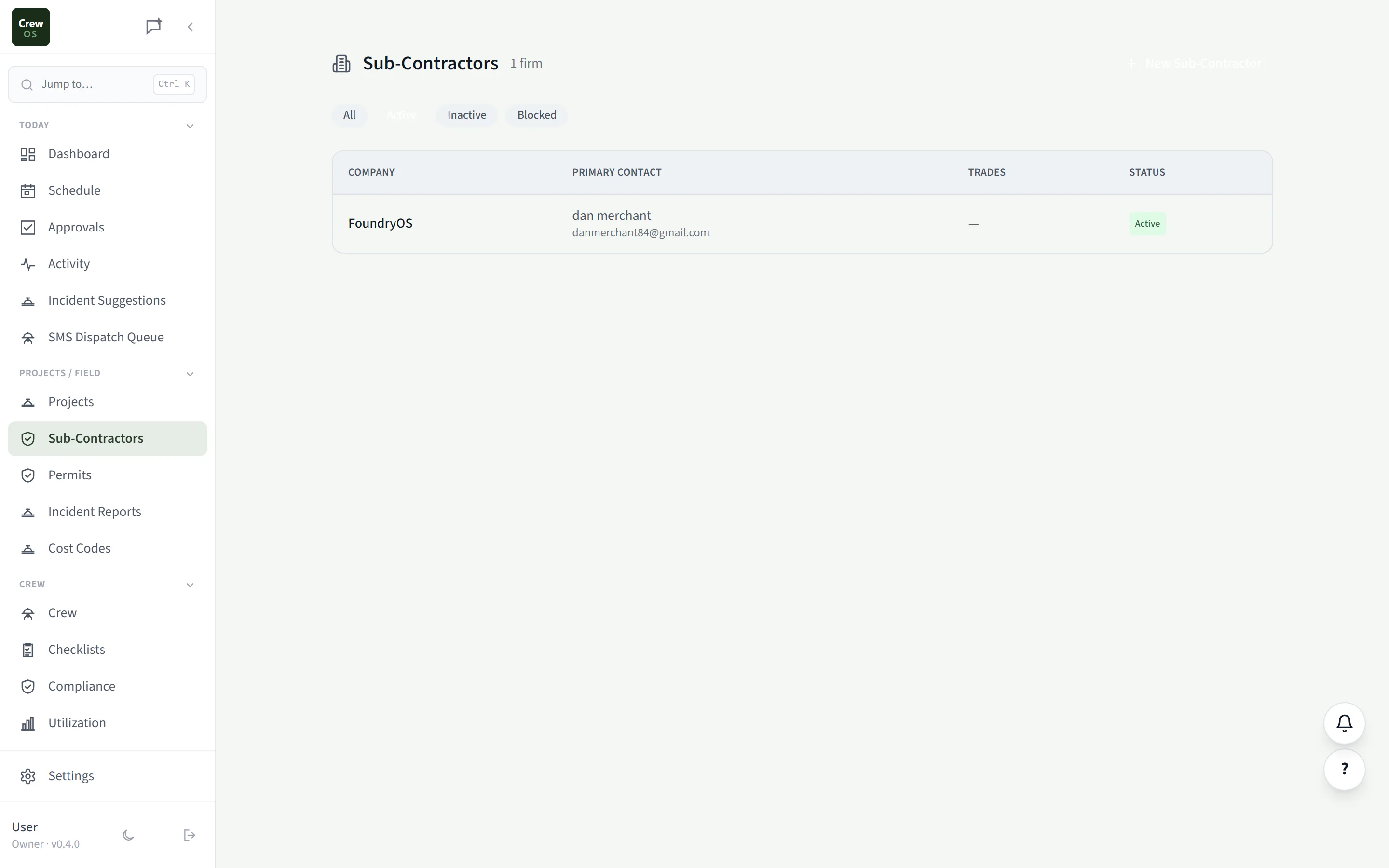
Sub-Contractors
Track every sub’s insurance, and stop the lapsed ones at the gate.
Keep a roster of every sub-contractor firm with their trades, contacts, and compliance documents. When a firm’s COI or WCB clearance expires, CrewOS flags them and blocks their crew from clocking in to your sites, so an uninsured sub never sets foot on the job.
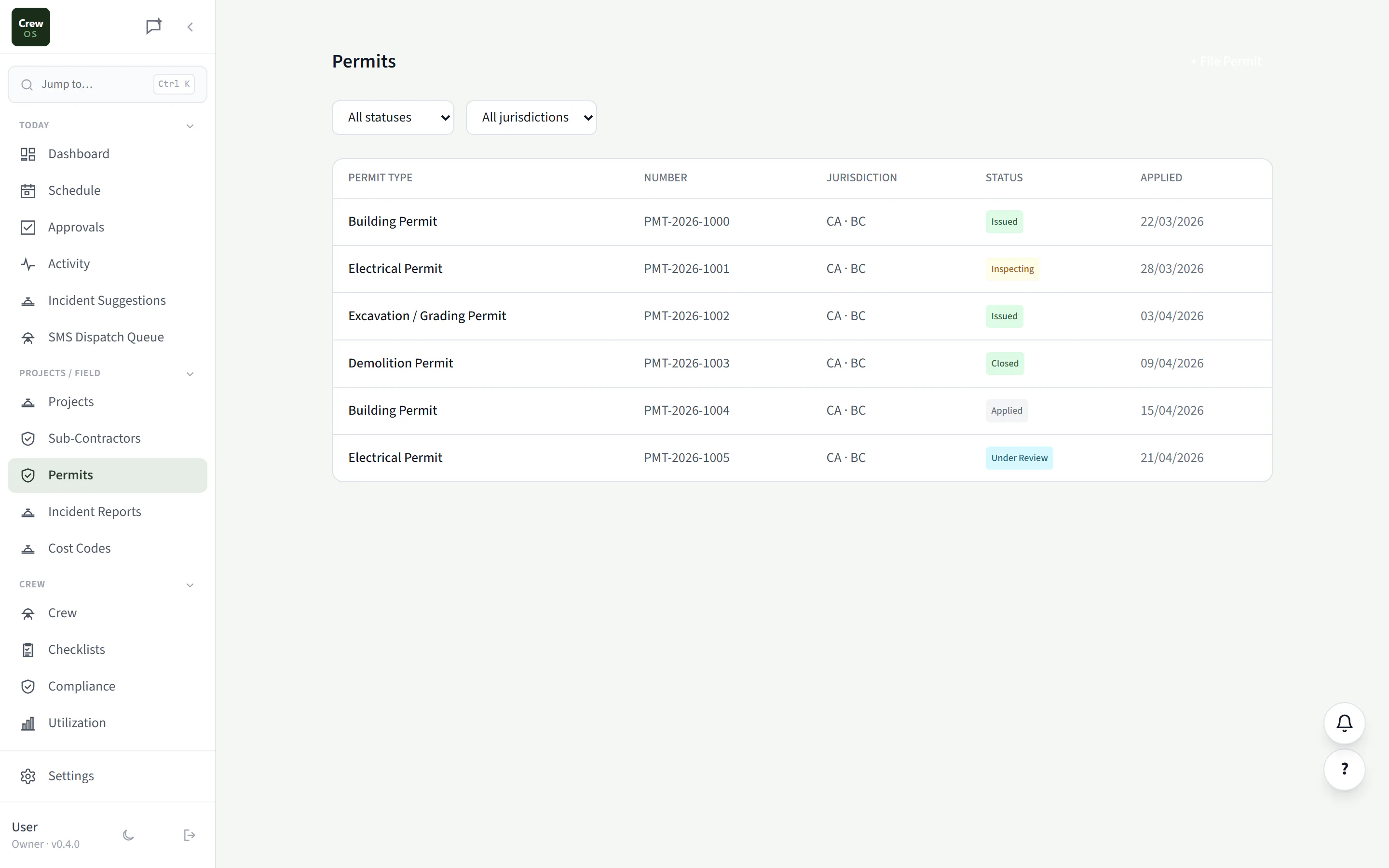
Permits
Never let a permit lapse mid-build.
File and track every permit per job site, with jurisdiction, permit number, and status from applied through issued, inspecting, and closed. CrewOS reminds you before expiries and inspections come due, so work never stops because a permit slipped through the cracks.
Inspections and sign-off
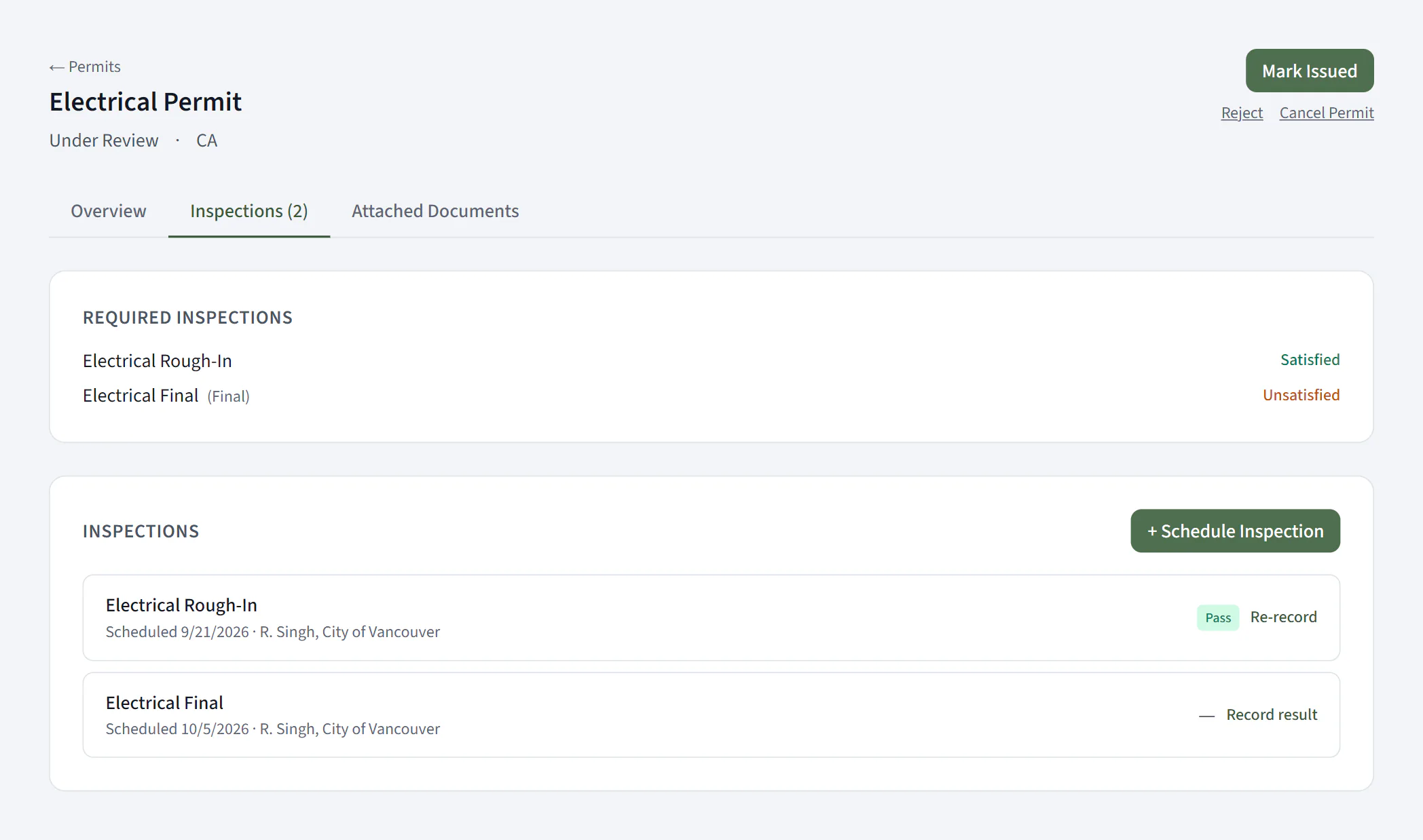
The final inspection has to pass before the permit moves on.
File a permit under its trade and CrewOS lists the inspections that trade requires, including the final. Schedule each one, record the result when the inspector has been, and watch each requirement go from Unsatisfied to Satisfied. Until the final has passed, CrewOS refuses to move the permit forward.
Owners and operators. The required-inspection list comes from the permit’s trade.
Incident Reports
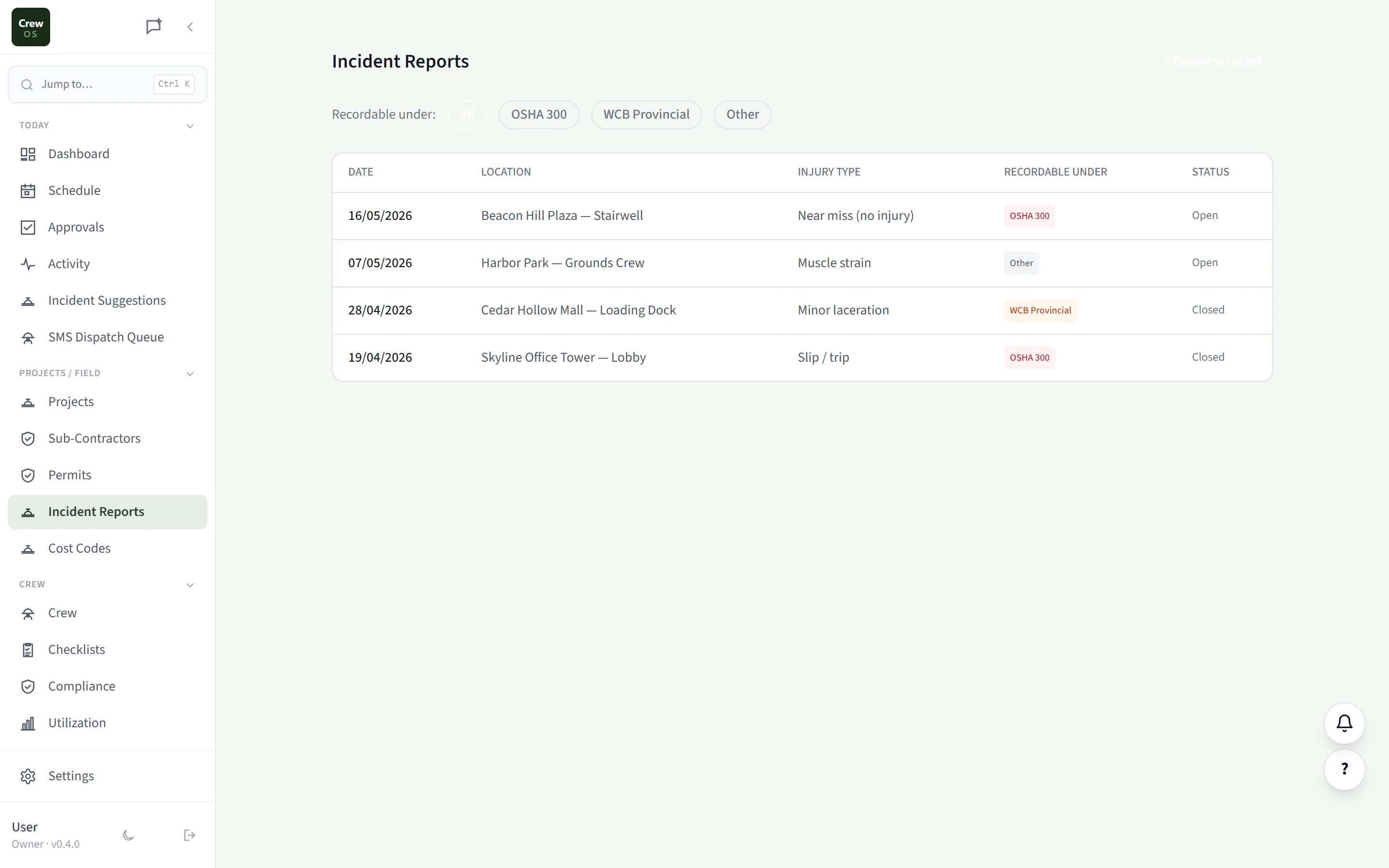
Log incidents from the field, classified for OSHA & WCB.
Capture injuries and near-misses the moment they happen, tagged by location, injury type, and whether they’re recordable under OSHA 300 or provincial WCB. You get a clean, filterable safety record, plus the paper trail you’ll need if a regulator or insurer ever asks.
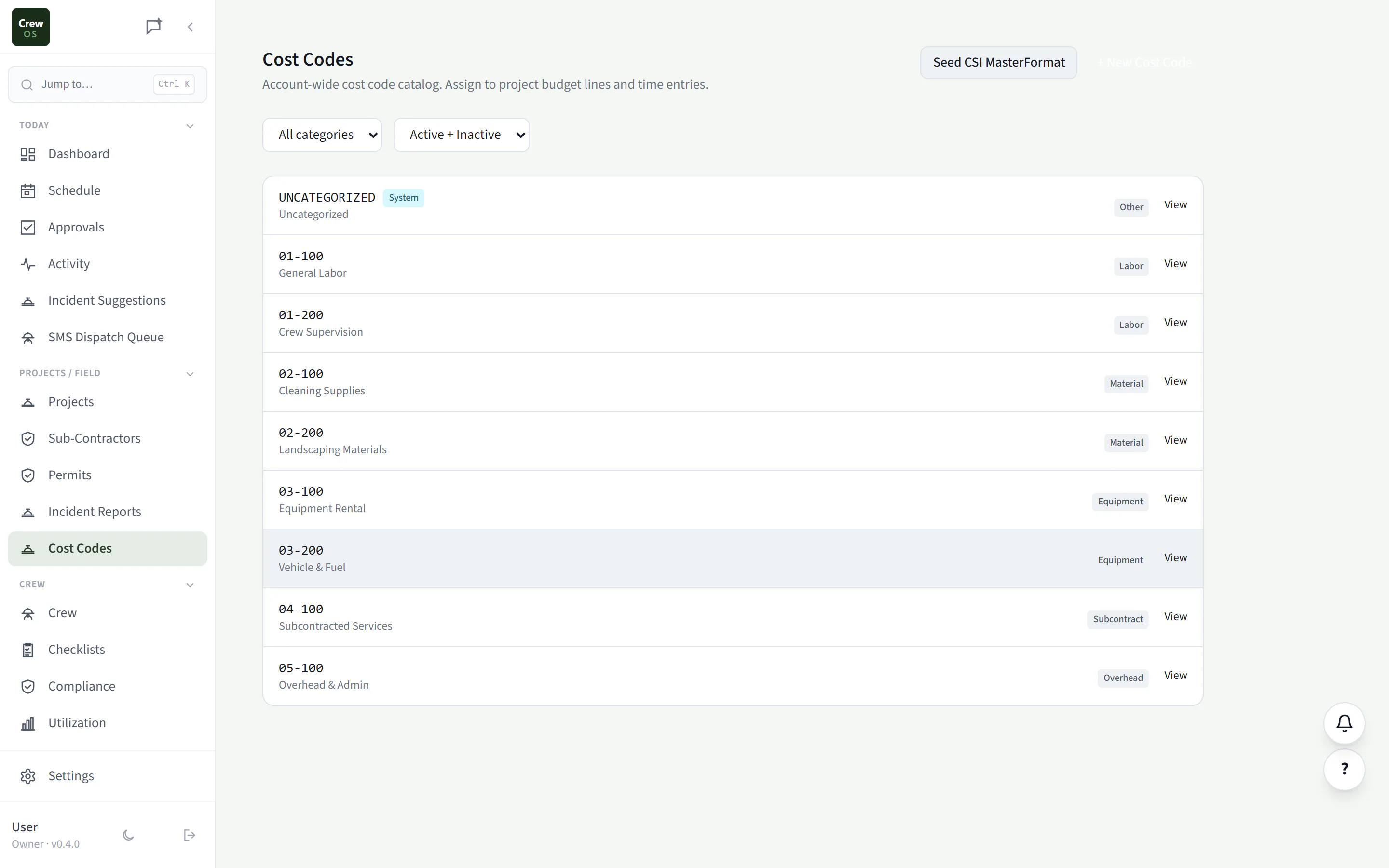
Cost Codes
Cost-code every hour and every dollar.
Maintain an account-wide catalog of cost codes by category (labor, material, equipment, subcontract, overhead), or seed the full CSI MasterFormat in one click. Assign them to project budget lines and time entries so every job rolls up into accurate, real-time job costing.